Introducing Mata: Your iOS Simulator, Anywhere
AI agents can write Swift. The hard part is seeing what they built.
TL;DR: AI agents can build iOS apps. You still have to sit at your Mac to see them. Mata fixes that — your simulator, streamed to any screen you have.
The Real Problem
AI coding agents are getting good at writing native apps. Claude Code, Cursor, Copilot — they can scaffold a SwiftUI view, wire up navigation, fix a layout bug. Xcode compiles. The simulator runs.
But you have to be sitting at the Mac to see it.
Leave the room and you're blind. Your agent keeps building, but you can't see what it built, can't tap through the screens, can't catch the broken layout before it compounds into three more.
The best workaround today? Agents take a simulator screenshot via simctl io, read it with vision, and iterate. It works — but it's static frames, not a live app you can interact with. You're debugging through snapshots.
And this isn't just a Swift problem. Expo and React Native have hot reload, but that only helps when you're at the machine. If your agent is building while you're at a café, you're just as blind — Swift or JavaScript, doesn't matter.
Some services solve this by giving you a Mac in the cloud — full Xcode, full IDE, full simulator. That runs about $200/month. You're renting a computer to replace the one already on your desk.
A Different Approach
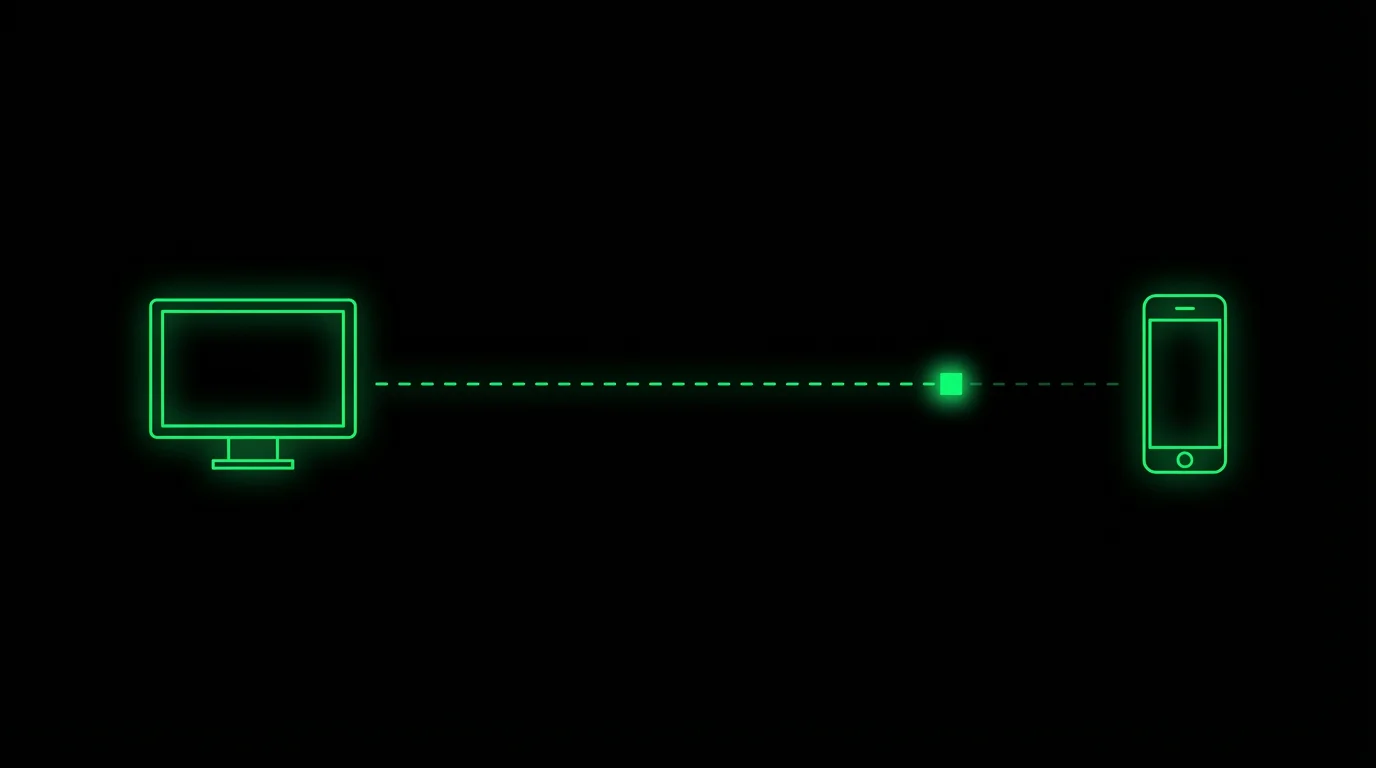
Mata doesn't replace your Mac. It extends it.
- Mata on Mac captures your running iOS Simulator and streams it — host and viewer in one app
- Mata on iPhone and iPad receives the stream with full touch interaction
- Mata in any browser — zero install, just open a tab
┌─────────────────────────────┐
│          Mac Mini           │
│  ┌───────────┐ ┌──────────┐ │
│  │ Xcode     │ │ Mata     │ │
│  │ Agent     │ │ Host     │ │
│  │ building  │ │ stream   │ │
│  └───────────┘ └──────────┘ │
└──────────────┬──────────────┘
               │
       ┌───────┴───────┐
       │               │
 ┌─────▼─────┐   ┌─────▼─────┐
 │ iPhone /  │   │  Browser  │
 │ iPad /Mac │   │ any device│
 └───────────┘   └───────────┘
Your touches are mapped 1:1 to the simulator. Tap, scroll, swipe, long press — it all works. The stream uses hardware-accelerated H.265 between Apple devices, so latency is low and bandwidth is minimal.
Why Not Remote Desktop?
Remote desktop shows you an entire macOS desktop. You don't need the desktop. You need the simulator.
| Remote Desktop | Mata | |
|---|---|---|
| What you see | Full macOS desktop | Just the simulator |
| Touch input | Mouse cursor emulation | Native touch mapping |
| Resolution | Desktop resolution, scaled | Matched to your device |
| Bandwidth | Entire screen | Simulator frame only |
| Encoding | Generic | H.265 hardware-accelerated |
Mata strips away everything that isn't the simulator. Faster, sharper, and actually usable from a phone.
A Day With Mata
Morning — Kick off Claude Code in a tmux session. Tell it to build a new feature. Open Mata on your Mac. Walk away.
Commute — Open Mata on your iPhone. The agent's been building while you traveled. Tap through the new screens, see what's working.
Café — Spot a layout issue. Open Moshi (our terminal app) and tell the agent to fix it. Watch the simulator update in Mata. Your laptop stays cool, battery full.
Home — Back at your desk. The simulator was running there the whole time.
Screenshots Don't Cut It
The best agent workaround today is simctl io screenshot — take a frame, read it with vision, iterate. But a screenshot can't tell you if the scroll feels right. It can't show you whether that page transition is smooth or janky. It can't capture the difference between a 200ms and a 400ms animation.
Mobile UX lives in the interactions — swipe gestures, pull-to-refresh tension, keyboard avoidance, navigation timing. These are things you can only confirm by touching the app and feeling how it responds. No static frame captures that.
Mata gives you the live, interactive version. And for the details that happen too fast to catch — we added slow motion playback, something even the native simulator doesn't offer.
Multiple Simulators
Running iPhone 16 Pro and iPad Air builds simultaneously? Mata sees all booted simulators. Switch between them instantly to compare layouts across device sizes.
Mata + Moshi
Mata pairs with Moshi, our iOS terminal app. Together:
- Moshi — Terminal access. Run commands, talk to your agent, get push notifications when it needs input.
- Mata — Visual access. See what the agent built, interact with it, verify it works.
One Mac. Two windows into it. No Xcode on the device in your bag.
The Philosophy
Cloud Mac services charge $200/month so you can rent a computer. You already have one.
Mata is just a window. Bring your own machine, bring your own agent, bring your own tools. We're not replacing your setup — we're making it reachable from anywhere.
Get Started
- Download Mata on your Mac — it includes both the host and viewer
- Ask your agent to build and run your app in the simulator
- Open Mata on your iPhone, iPad, or in a browser
- Connect — your simulator is right there
Free during early access. Get Mata →